Reliable WhatsApp API for Developers and Businesses

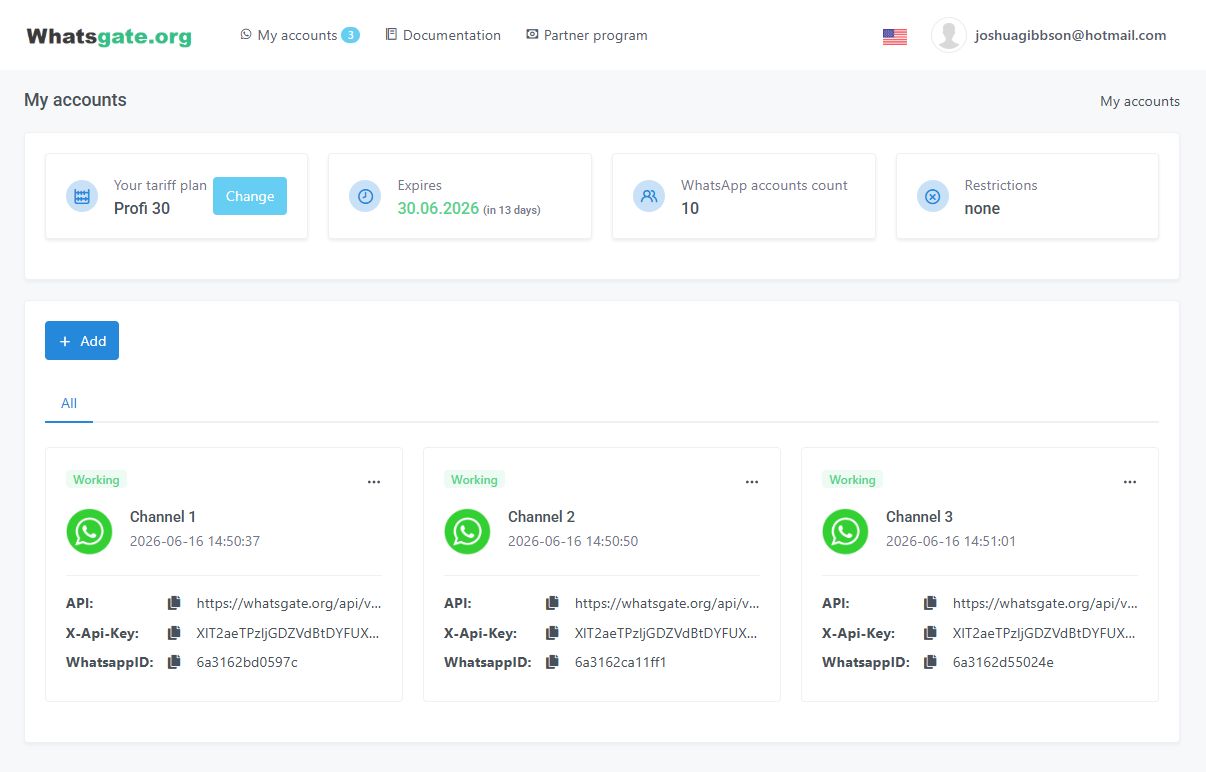




More flexibility than the official WhatsApp API

WhatsApp API Features
- Connect and manage devices
- Generate and retrieve QR codes
- Receive updates via webhooks
- Check connection status
- Reset, reconnect, and manage sessions
- Check for new messages
- Send text messages
- Send media files
- Receive messages and media
- Send messages to groups
- Send media to groups
- Receive group messages and media
- View participants and group details

Looking for an alternative to your current WhatsApp API provider?
A Flexible Alternative
to the Official WhatsApp API
Official API (WABA)
- You cannot connect on your own. A provider is required, and company verification can take several weeks
- New conversations require pre-approved template messages
- The mobile app is limited. Calls and group chats are not fully available
- A registered legal entity is required
Whatsgate API
- Connect a WhatsApp account in about 5 minutes
- Start conversations with any WhatsApp number using supported message formats
- Keep using your account as usual, including calls and group chats
- Work as an individual, with no legal-entity requirement
Set up in 5 minutes or less

Sign up and start your 14-day free trial

In your dashboard, click Add WhatsApp. In the mobile app, choose "Link a device" and scan the QR code

Wait until the status shows "Ready to work". Your API connection is active
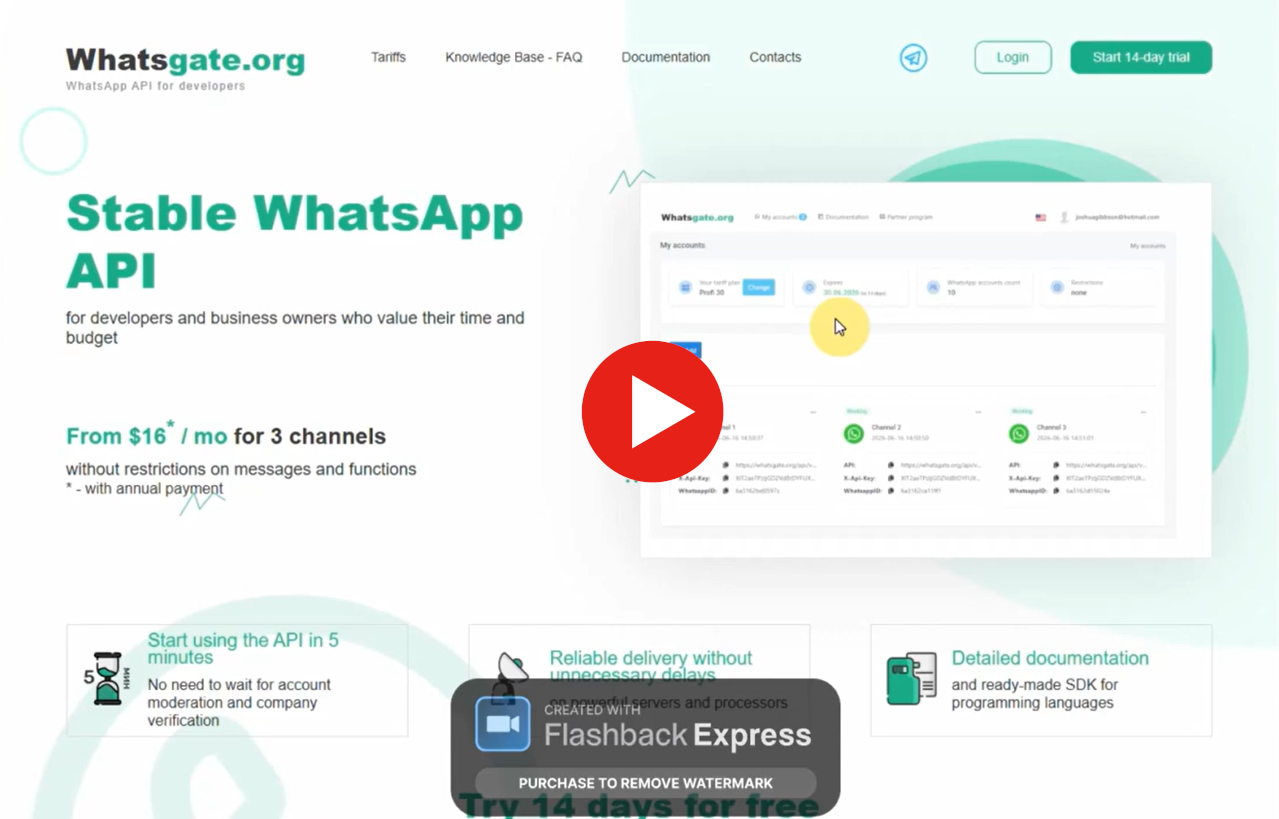
Simple, Transparent Pricing
Pay for API access, not per message
- Support Included
- 3 WhatsApp accounts
- 20% off*
- Send text and media messages
- Receive messages and media via webhooks
- View chat and group details
- Retrieve group participant lists
- Limited to existing conversations
- Support Included
- 3 WhatsApp accounts
- 20% off*
- Send text and media messages
- Receive messages and media via webhooks
- View chat and group details
- Retrieve group participant lists
- Start new conversations
- Support Included
- 10 WhatsApp accounts
- 20% off*
- Send text and media messages
- Receive messages and media via webhooks
- View chat and group details
- Retrieve group participant lists
- Start new conversations
Built for Developers
Integrate with any programming language that supports HTTP and JSON

Get started faster with SDKs
for popular programming languages


Integrate the WhatsApp API in your language
- Shell
- PHP
- Python
- Shell
- PHP
- Python
- Shell
- PHP
- Python
- Shell
- PHP
- Python
- Shell
- PHP
- Python
Built for Reliability and Scalability
- Fault-tolerant Hetzner cloud servers
- Data centers certified to DIN ISO/IEC 27001
- 2nd-gen AMD EPYC and Intel Xeon Gold CPUs
- Ultra-fast NVMe SSD storage
See for Yourself with a 14-Day Free Trial
Start Free Trial
70% of our customers switched from another provider and chose to stay

Frequently Asked Questions
No. Whatsgate is an unofficial interface to WhatsApp Web running on our servers. It is built for reliable, around-the-clock sending and receiving. It is not the official WhatsApp Business API, and it is not affiliated with WhatsApp or Meta.
It takes about 5 minutes. Sign up, connect your WhatsApp account, copy your API key and WhatsApp ID, and start sending messages. A 14-day free trial lets you evaluate the API before you pay.
Yes. WhatsApp’s policies do not allow unofficial automation. You can reduce the risk by avoiding high volumes of repetitive messages to people you do not know, and by avoiding spam reports. You use the service at your own risk.
We do not encourage bulk messaging, and the service is not intended for it. The API does not enforce a sending limit. If you use it for bulk messaging, you do so at your own risk, and we may suspend the account.
Yes. You can work with group chats the same way you work with individual contacts. Groups have their own identifiers, so you can send and receive messages. Group details include participants and their roles.
Not Sure If Whatsgate Fits Your Use Case?

                curl -X POST\
                -H 'X-API-Key: YOUR_API_KEY' \
                -H 'Accept: application/json' \
                -H 'Content-Type: application/json' \
                'https://app.whatsgate.org/api/v1/send' \
                -d '{
                "WhatsappID": "YOUR_WHATSAPP_ID",
                "async": false,
                "recipient": {
                "id": "99999999999@c.us"
                },
                "message": {
                "body": "Hello world!"
                }
                }'
                $ch = curl_init();
                curl_setopt($ch, CURLOPT_URL, 'https://app.whatsgate.org/api/v1/send');
                curl_setopt($ch, CURLOPT_RETURNTRANSFER, 1);
                curl_setopt($ch, CURLOPT_POST, 1);
                curl_setopt($ch, CURLOPT_POSTFIELDS, '{
                "WhatsappID": "YOUR_WHATSAPP_ID",
                "async": false,
                "recipient": {
                "id": "99999999999@c.us"
                },
                "message": {
                "body": "Hello world!"
                }
                }');

                $headers = array();
                $headers[] = 'Accept: application/json';
                $headers[] = 'X-API-Key: YOUR_API_KEY';
                $headers[] = 'Content-Type: application/json';

                curl_setopt($ch, CURLOPT_HTTPHEADER, $headers);

                $result = curl_exec($ch);

                print_r($result);

                curl_close($ch);
                import requests
                from json

                url = "https://app.whatsgate.org/api/v1/send"

                headers = {
                'Accept' : 'application/json'
                'X-API-Key': 'YOUR_API_KEY',
                'Content-Type': 'application/json'
                }

                payload = {
                "WhatsappID": "YOUR_WHATSAPP_ID",
                "async": false,
                "recipient": {
                "id": "99999999999@c.us"
                },
                "message": {
                "body": "Hello world!"
                }
                }

                r = requests.post(url, data=json.dumps(payload), headers=headers)

                print(r.text)
                curl -X POST\
                -H 'X-API-Key: YOUR_API_KEY' \
                -H 'Accept: application/json' \
                -H 'Content-Type: application/json' \
                'https://app.whatsgate.org/api/v1/get-chats' \
                -d '{
                "WhatsappID": "YOUR_WHATSAPP_ID"
                }'
                $ch = curl_init();
                curl_setopt($ch, CURLOPT_URL, 'https://app.whatsgate.org/api/v1/get-chats');
                curl_setopt($ch, CURLOPT_RETURNTRANSFER, 1);
                curl_setopt($ch, CURLOPT_POST, 1);
                curl_setopt($ch, CURLOPT_POSTFIELDS, '{
                "WhatsappID": "YOUR_WHATSAPP_ID"
                }');

                $headers = array();
                $headers[] = 'Accept: application/json';
                $headers[] = 'X-API-Key: YOUR_API_KEY';
                $headers[] = 'Content-Type: application/json';

                curl_setopt($ch, CURLOPT_HTTPHEADER, $headers);

                $result = curl_exec($ch);

                print_r($result);

                curl_close($ch);
                import requests
                from json

                url = "https://app.whatsgate.org/api/v1/send"

                headers = {
                'Accept' : 'application/json'
                'X-API-Key': 'YOUR_API_KEY',
                'Content-Type': 'application/json'
                }

                payload = {
                "WhatsappID": "YOUR_WHATSAPP_ID"
                }

                r = requests.post(url, data=json.dumps(payload), headers=headers)

                print(r.text)
                curl -X POST\
                -H 'X-API-Key: YOUR_API_KEY' \
                -H 'Accept: application/json' \
                -H 'Content-Type: application/json' \
                'https://app.whatsgate.org/api/v1/get-media' \
                -d '{
                "WhatsappID": "YOUR_WHATSAPP_ID",
                "mediaKey": "MESSAGE_MEDIA_KEY"
                }'
                $ch = curl_init();
                curl_setopt($ch, CURLOPT_URL, 'https://app.whatsgate.org/api/v1/get-media');
                curl_setopt($ch, CURLOPT_RETURNTRANSFER, 1);
                curl_setopt($ch, CURLOPT_POST, 1);
                curl_setopt($ch, CURLOPT_POSTFIELDS, '{
                "WhatsappID": "YOUR_WHATSAPP_ID",
                "mediaKey": "MESSAGE_MEDIA_KEY"
                }');

                $headers = array();
                $headers[] = 'Accept: application/json';
                $headers[] = 'X-API-Key: YOUR_API_KEY';
                $headers[] = 'Content-Type: application/json';

                curl_setopt($ch, CURLOPT_HTTPHEADER, $headers);

                $result = curl_exec($ch);

                print_r($result);

                curl_close($ch);
                import requests
                from json

                url = "https://app.whatsgate.org/api/v1/get-media"

                headers = {
                'Accept' : 'application/json'
                'X-API-Key': 'YOUR_API_KEY',
                'Content-Type': 'application/json'
                }

                payload = {
                "WhatsappID": "YOUR_WHATSAPP_ID",
                "mediaKey": "MESSAGE_MEDIA_KEY"
                }

                r = requests.post(url, data=json.dumps(payload), headers=headers)

                print(r.text)
                curl -X POST\
                -H 'X-API-Key: YOUR_API_KEY' \
                -H 'Accept: application/json' \
                -H 'Content-Type: application/json' \
                'https://app.whatsgate.org/api/v1/seen' \
                -d '{
                "WhatsappID": "YOUR_WHATSAPP_ID",
                "recipient": {
                "id": "99999999999@c.us"
                }
                }'
                $ch = curl_init();
                curl_setopt($ch, CURLOPT_URL, 'https://app.whatsgate.org/api/v1/seen');
                curl_setopt($ch, CURLOPT_RETURNTRANSFER, 1);
                curl_setopt($ch, CURLOPT_POST, 1);
                curl_setopt($ch, CURLOPT_POSTFIELDS, '{
                "WhatsappID": "YOUR_WHATSAPP_ID",
                "recipient": {
                "id": "99999999999@c.us"
                }
                }');

                $headers = array();
                $headers[] = 'Accept: application/json';
                $headers[] = 'X-API-Key: YOUR_API_KEY';
                $headers[] = 'Content-Type: application/json';

                curl_setopt($ch, CURLOPT_HTTPHEADER, $headers);

                $result = curl_exec($ch);

                print_r($result);

                curl_close($ch);
                import requests
                from json

                url = "https://app.whatsgate.org/api/v1/seen"

                headers = {
                'Accept' : 'application/json'
                'X-API-Key': 'YOUR_API_KEY',
                'Content-Type': 'application/json'
                }

                payload = {
                "WhatsappID": "YOUR_WHATSAPP_ID",
                "recipient": {
                "id": "99999999999@c.us"
                }
                }

                r = requests.post(url, data=json.dumps(payload), headers=headers)

                print(r.text)
                curl -X POST\
                -H 'X-API-Key: YOUR_API_KEY' \
                -H 'Accept: application/json' \
                -H 'Content-Type: application/json' \
                'https://app.whatsgate.org/api/v1/set-hook' \
                -d '{
                "WhatsappID": "YOUR_WHATSAPP_ID",
                "url": "YOUR_URL"
                }'
                $ch = curl_init();
                curl_setopt($ch, CURLOPT_URL, 'https://app.whatsgate.org/api/v1/set-hook');
                curl_setopt($ch, CURLOPT_RETURNTRANSFER, 1);
                curl_setopt($ch, CURLOPT_POST, 1);
                curl_setopt($ch, CURLOPT_POSTFIELDS, '{
                "WhatsappID": "YOUR_WHATSAPP_ID",
                "url": "YOUR_URL"
                }');

                $headers = array();
                $headers[] = 'Accept: application/json';
                $headers[] = 'X-API-Key: YOUR_API_KEY';
                $headers[] = 'Content-Type: application/json';

                curl_setopt($ch, CURLOPT_HTTPHEADER, $headers);

                $result = curl_exec($ch);

                print_r($result);

                curl_close($ch);
                import requests
                from json

                url = "https://app.whatsgate.org/api/v1/set-hook"

                headers = {
                'Accept' : 'application/json'
                'X-API-Key': 'YOUR_API_KEY',
                'Content-Type': 'application/json'
                }

                payload = {
                "WhatsappID": "YOUR_WHATSAPP_ID",
                "url": "YOUR_URL"
                }

                r = requests.post(url, data=json.dumps(payload), headers=headers)

                print(r.text)